How to set your availability
Telling Knowhere when you’re around keeps anyone from booking you when you’re not. Team member task. (Managers can also set availability for a team member from Settings, then Team.)
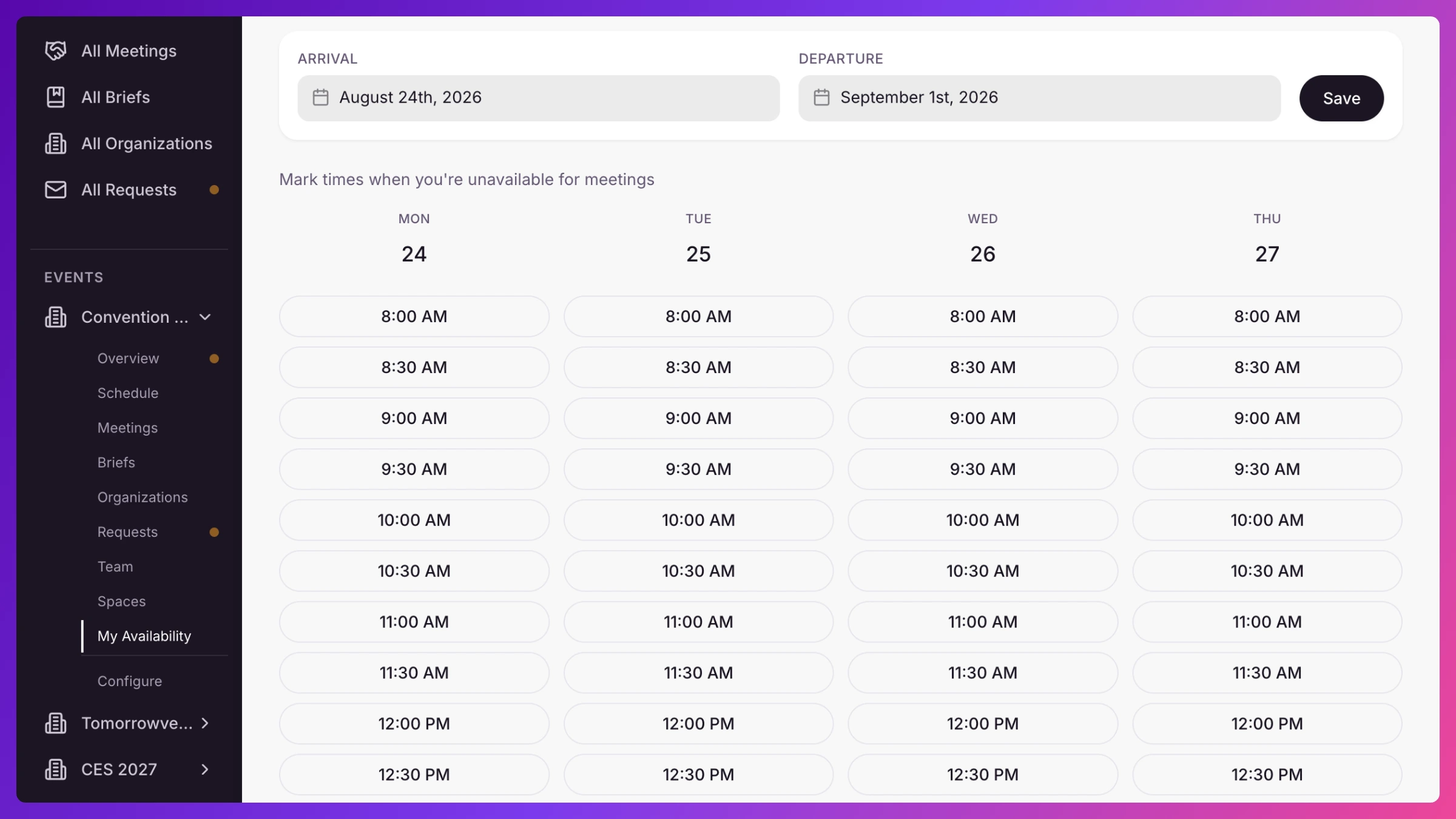
- Open Availability from the left sidebar. It follows the show you picked in the top bar.
- For each event, set your Arrival Date and Departure Date. Scheduling steers around anything outside that window.
- Click Save Availability.
- Need to block specific times inside that window (an early flight, a dinner, a booth shift)? Open Manage Time Slot Availability and mark those slots unavailable.
Good to know
Section titled “Good to know”Everything downstream respects it, manager scheduling, conflict detection, and your public booking pages all skip the time you’ve blocked. Availability always applies to the show you picked in the top bar, so switch shows to set another. More in Conflict detection & availability.