Before the show
The work you do before doors open is what makes the days run themselves. A clean plan now means no scramble later: the right people staffed, the right accounts targeted, the schedule filling itself from your booking links, and every team member walking in knowing exactly who they’re meeting and why.
This page walks the pre-event arc and links into the details. Everything here is available on every plan unless a badge says otherwise.
Build the event
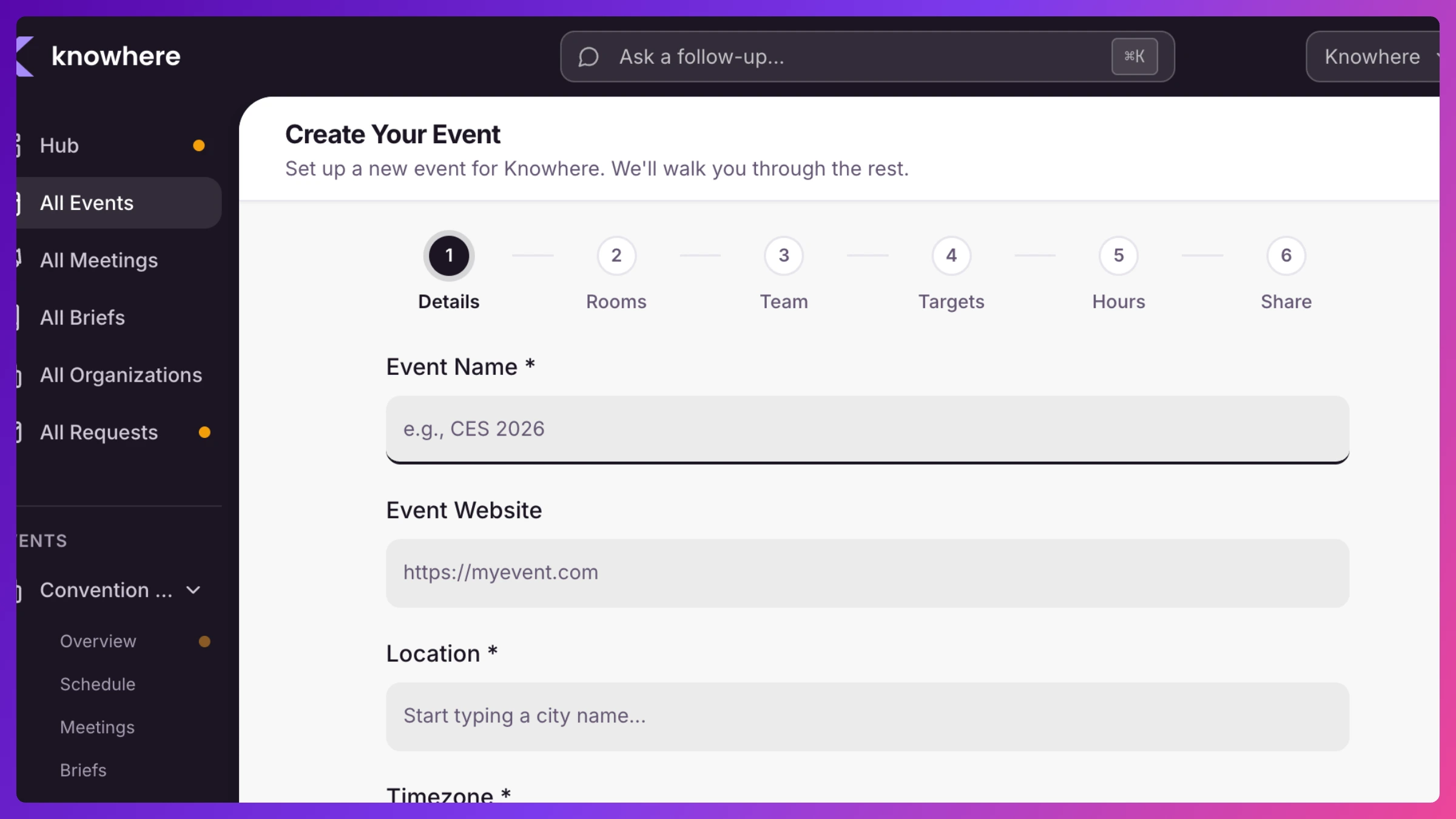
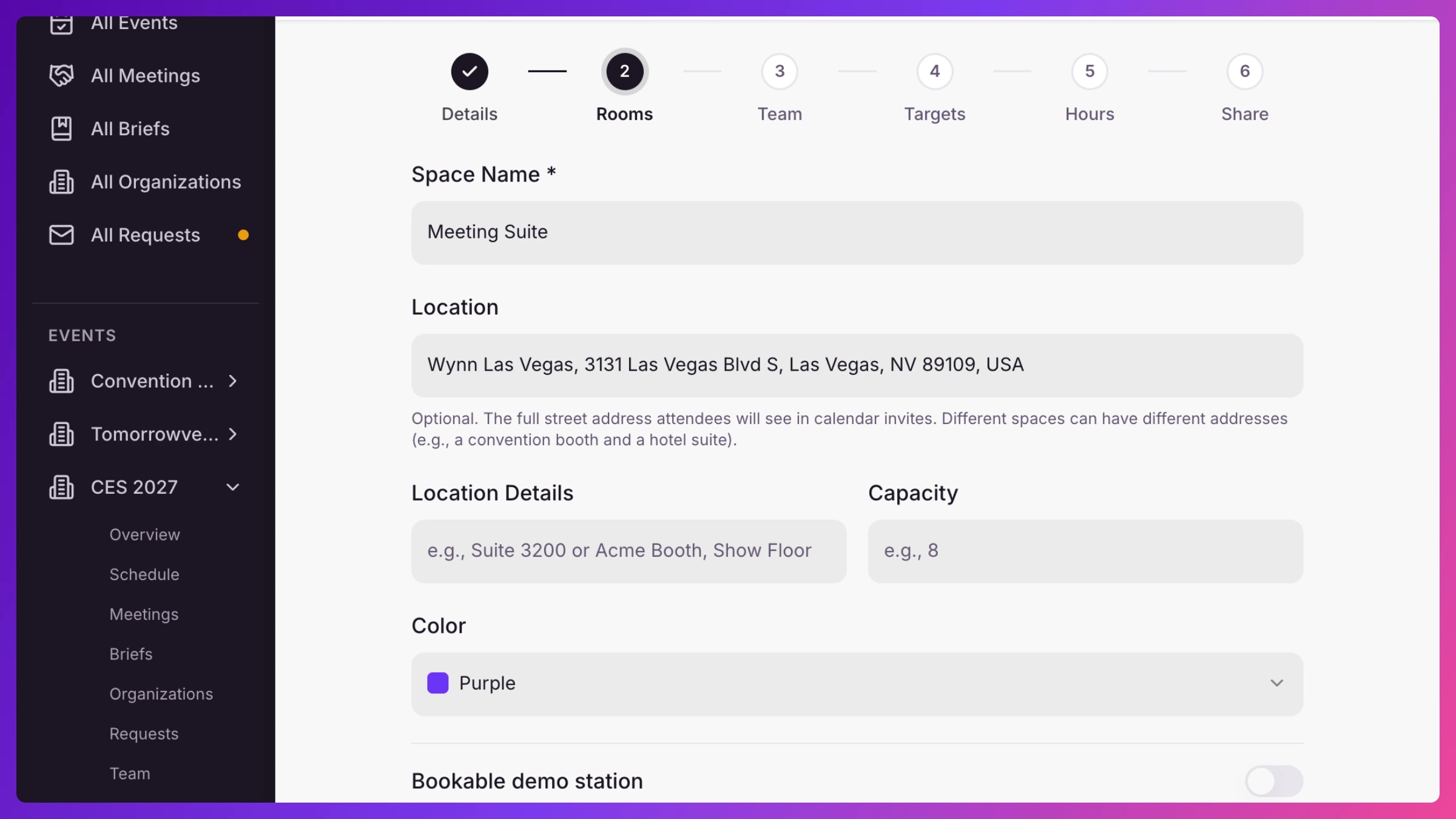
Section titled “Build the event”Creating an event runs a short six-step wizard, and new events start from your company-wide defaults, so most steps are confirm-and-go. You name the event and set its dates, timezone, and location, add your Spaces (physical rooms or virtual), pick this event’s targets, set operating hours, and turn on sharing. See Every screen in Knowhere for the full screen reference.
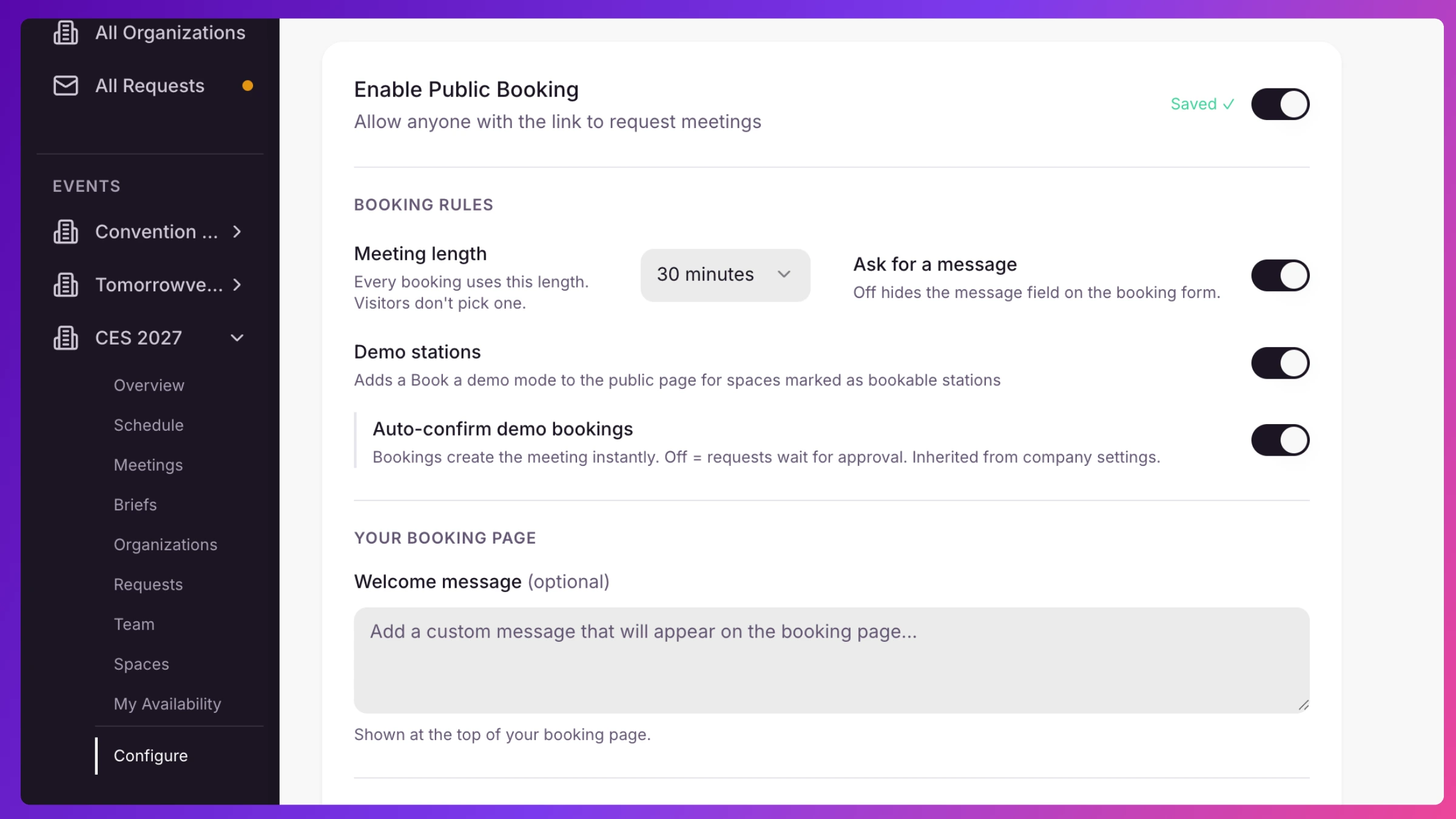
For booth demos, mark a Space as a bookable demo station so visitors can book fixed-length demo slots directly. Details in Requests & public booking.
Staff the team
Section titled “Staff the team”Bring people on, decide who’s a manager and who’s a team member, staff them onto the event with arrival and departure dates, and hand each team member their personal booking link. Team members set their own availability so nobody gets booked when they’re not there. Full detail in Team & availability. Your plan sets how many seats you have. See Plans & billing.
Load the accounts you care about
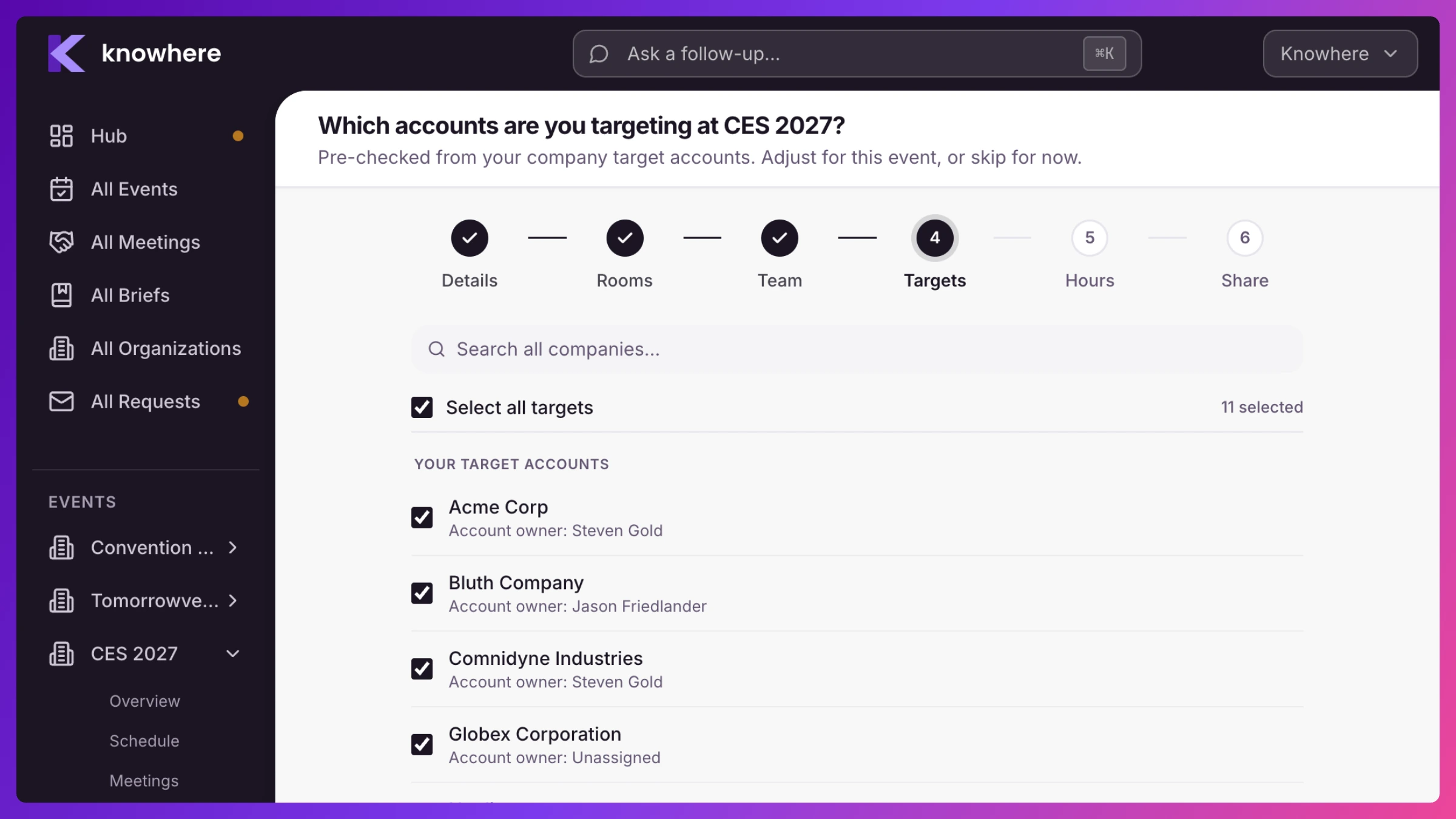
Section titled “Load the accounts you care about”Bring in the organizations you’re meeting and flag the priorities as targets, each with a Tier 1 or Tier 2 priority. Knowhere then measures whether every target actually gets time, and those tiers later power Sales Inference’s sharper question: did Tier 1 get an executive in the room? Bulk CSV import is coming soon for loading a big list. See Organizations & targets.
Prep the room with Briefs
Section titled “Prep the room with Briefs”For each key account, a Brief assembles the relationship history and lets managers and owners add objectives, talking points, and deal context, then publish it so every team member walks in prepared. See Briefs.
Open the doors to inbound
Section titled “Open the doors to inbound”Turn on public booking and your event booking page and each team member’s personal booking page go live, embeddable on your own site too, so prospects can request time before the show. Requests land in a queue for approval. Custom-branded booking pages and emails are coming soon. See Requests & public booking.
Pre-schedule what you already know
Section titled “Pre-schedule what you already know”Standing meetings, partner syncs, and pre-booked customers can go straight on the calendar now, with real calendar invites and live conflict checking as you build them. See Meetings & calendar invites and Conflicts & availability.
Next: During the show.