How to create and publish a Brief
A Brief is the prep document your team reads before meeting an account. Knowhere starts one for every organization with a meeting at the event. You add the substance and publish it. Managers and the account owner write and publish, everyone else reads.
- Open All Briefs from the left sidebar, or click an event and open its Briefs tab.
- Click an organization’s row to open its Brief.
- Add the substance:
- Objectives, what you want out of this account at the event.
- Talking points, what team members should raise.
- Deal fields, the stage, amount, and expected close date. Knowhere has already filled in the relationship history, upcoming meetings, and recent notes.
- The status in the header shows Draft until you publish.
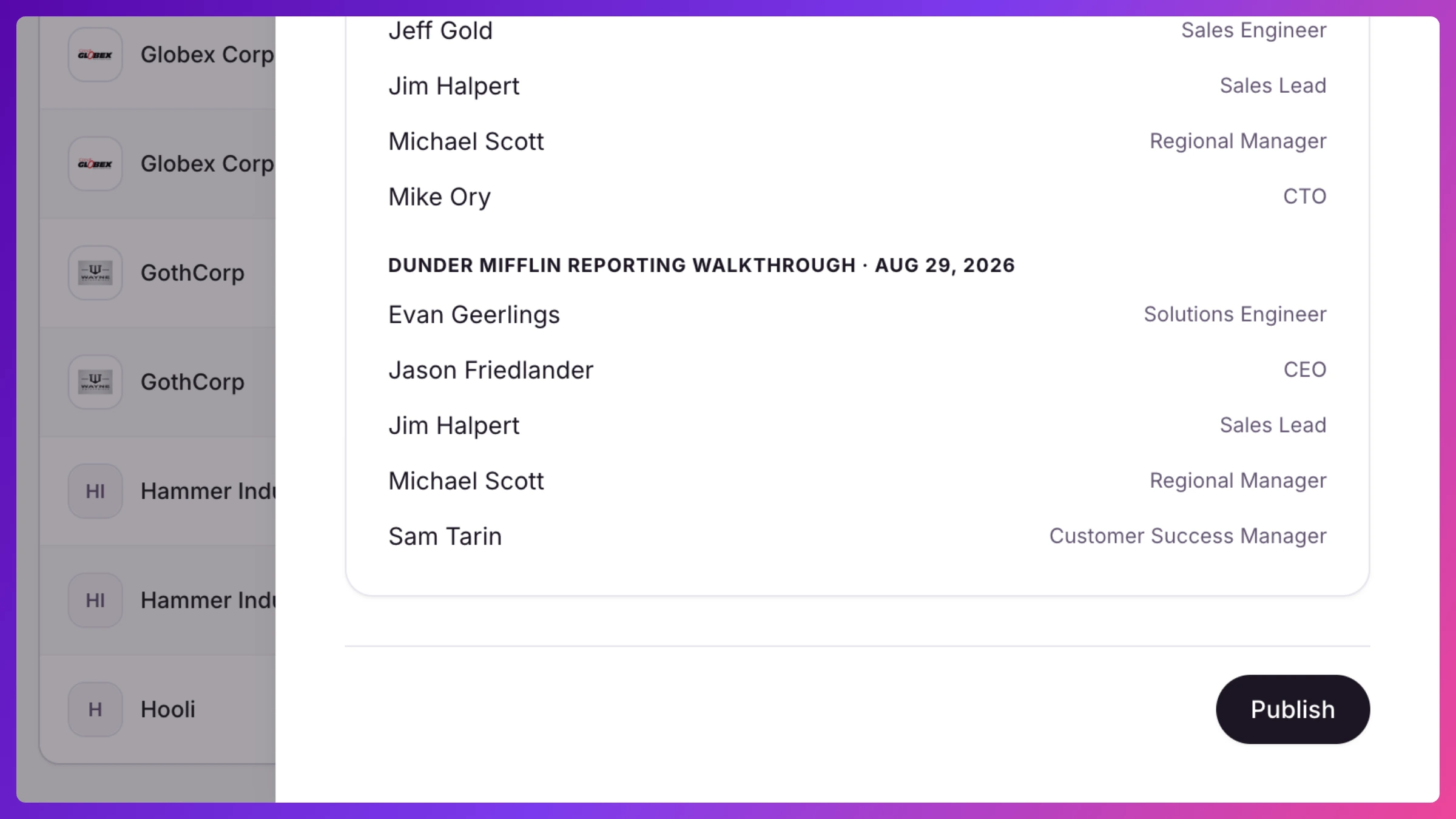
- Click Publish at the bottom of the Brief. It’s now marked reviewed and event-ready for the team. Click Unpublish to pull it back to draft.
What’s next
Section titled “What’s next”Published Briefs show up in each team member’s reading list for the accounts they own, and a banner on the Briefs page reminds owners how many still need publishing before doors open. Managers can also auto-publish Briefs when an event goes live. More in Briefs.