Briefs
A Brief is the prep document your team reads before sitting down with an account. Knowhere builds one for every organization you’re meeting at an event, automatically assembled from your meeting history, then enriched by managers and account owners with talking points, notes, and objectives.
Who it’s for: Managers and account owners write and publish Briefs. Each team member reads the Briefs for the accounts they own.
How Briefs work
Section titled “How Briefs work”There is one Brief per organization per event. As soon as an organization has at least one meeting scheduled at an event, its Brief appears in the Briefs list, pre-filled with everything Knowhere already knows: relationship history, upcoming meetings, and who’s in the room.
A Brief contains:
- Deal status: the deal’s stage, amount, and expected close date. These are entered manually today (see CRM connection).
- Relationship pulse: when you last met this account, total meetings all-time, and meetings at this event.
- This meeting: when you open the Brief from a specific meeting, its objective and next step.
- Talking points: an editable list of the points your team should hit.
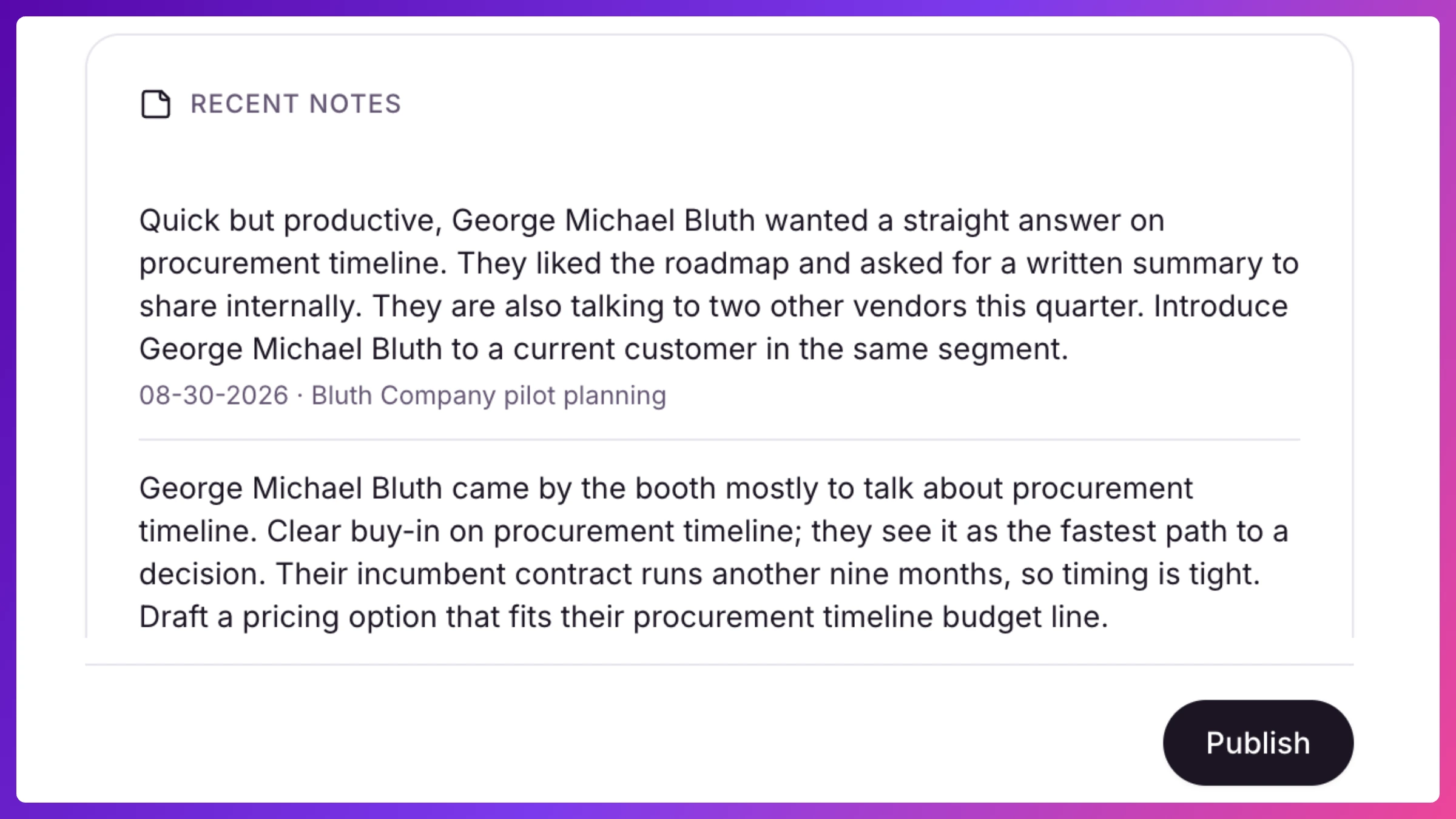
- Recent notes: a merged timeline of notes from this account’s meetings plus notes added directly to the Brief.
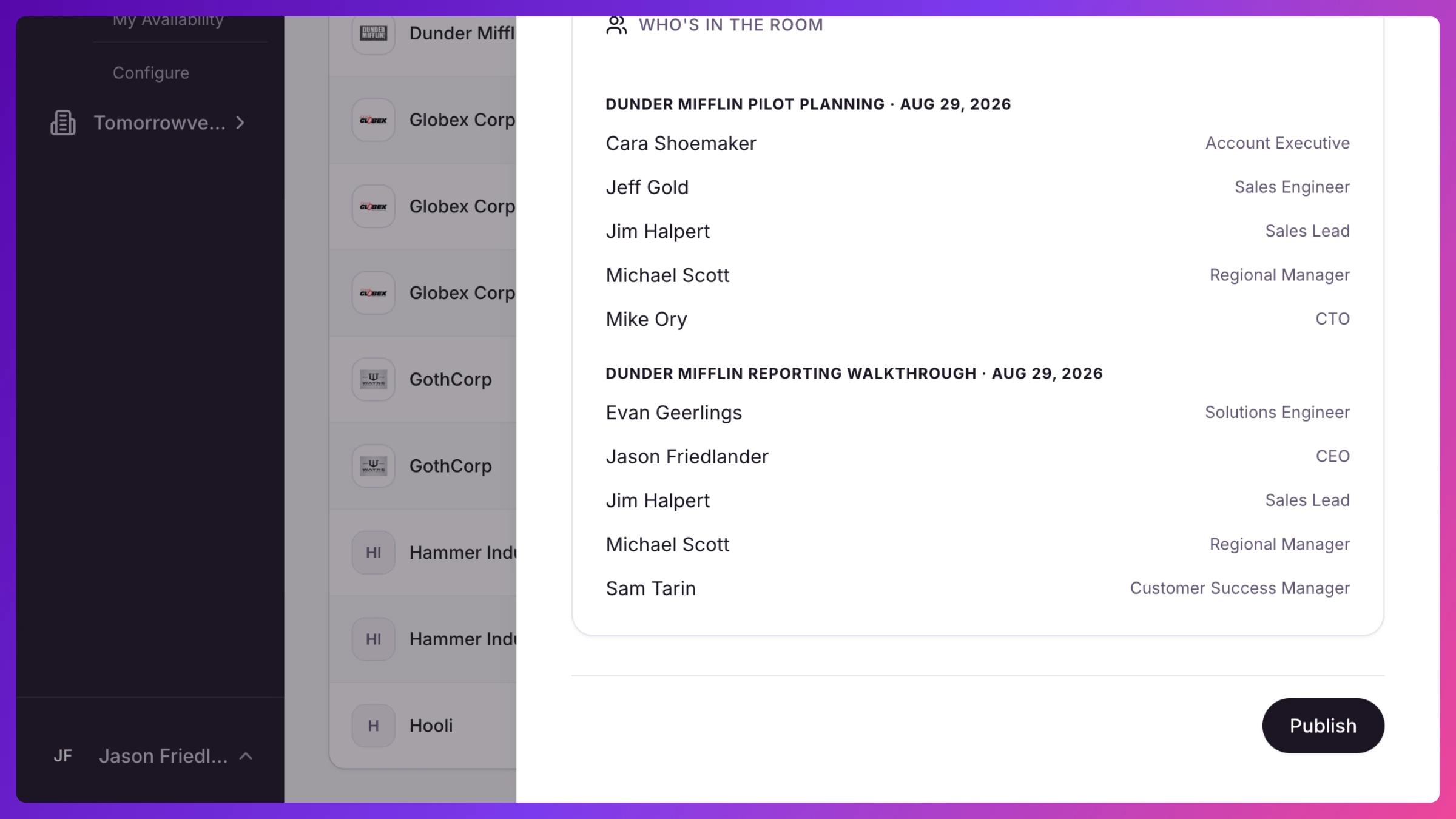
- Who’s in the room: the attendees for each scheduled meeting, team and customer side, with click-through to each contact’s profile.
Draft and publish
Section titled “Draft and publish”Every Brief starts as a draft. Managers and the account’s owner can edit it (add talking points and notes, set the deal fields) and publish it when it’s ready. Publishing marks the Brief as reviewed and event-ready. You can unpublish to pull it back into draft.
Notes and talking points save immediately in either state, so late intel added on event day still lands. Each entry can be edited or removed by its author or any manager.
If you own accounts with unpublished Briefs, a banner at the top of the Briefs page reminds you how many need review before doors open. One click filters to exactly those.
Where you’ll find Briefs
Section titled “Where you’ll find Briefs”- All Briefs: the company-wide reading room, with an event picker, search, and filter chips for Needs publishing, Targets, and My meetings.
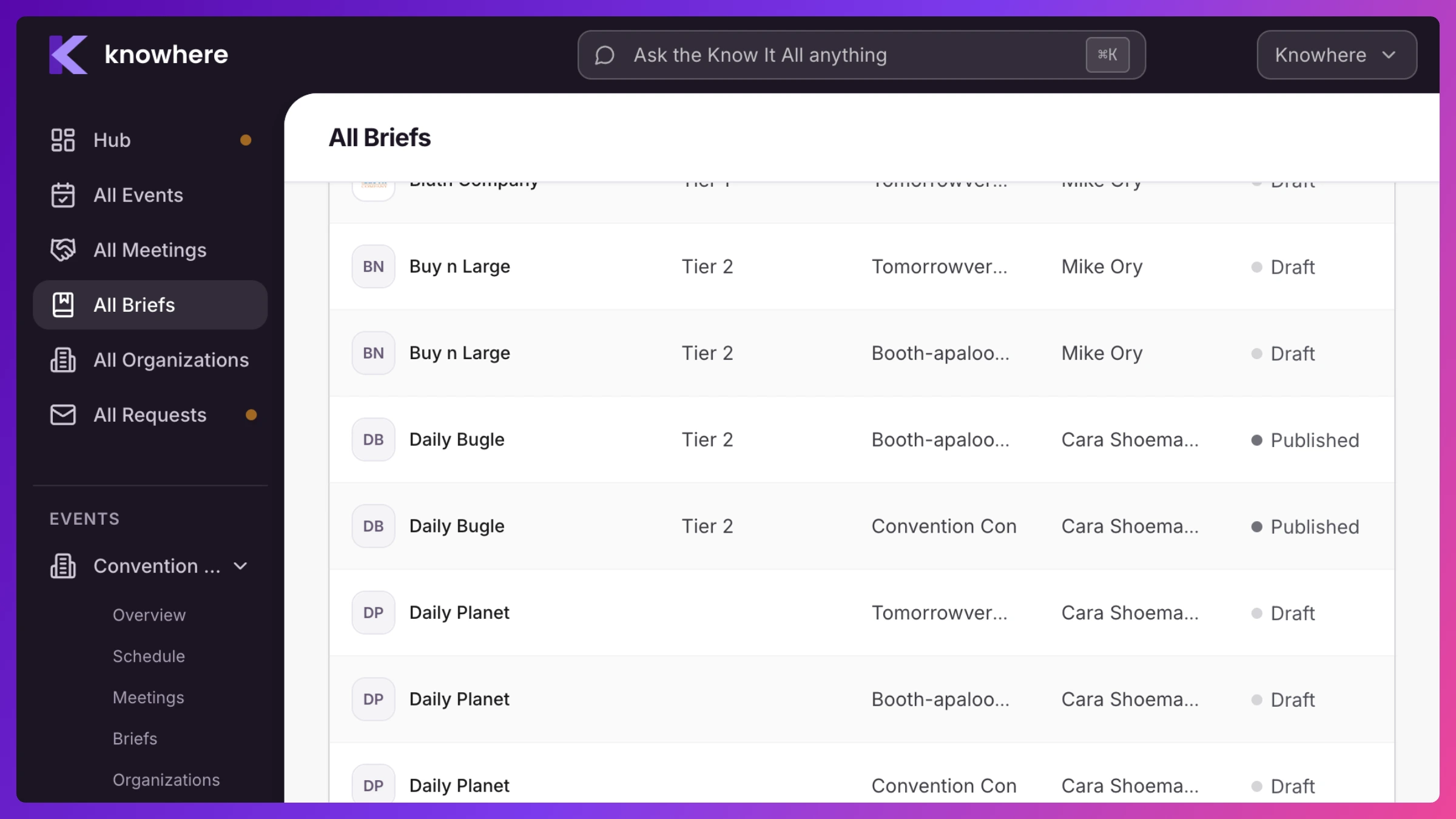
- Per-event Briefs: the same list scoped to one event: pick the show in the top bar and open Briefs.
- From any meeting or organization: a bookmark icon on schedule cards, the meeting sheet, and organization rows opens the account’s Brief for that event.
- Dashboards: the Briefs page for the picked show lists recently published Briefs and outstanding drafts, for managers and team members alike.
Who sees what
Section titled “Who sees what”Managers see every Brief. Team members see the Briefs for accounts they own. Their reading list is automatically scoped to their book of business. Editing and publishing are limited to managers and the account’s owner. Everyone else who can open a Brief gets a read-only view.
How to
Section titled “How to”Step-by-step, with the exact clicks: