How to set up public booking
Public booking gives customers a link (and an embeddable widget) to request meetings at your event, no login required. Manager task.
- Open Events from your profile menu, pick the event, and open its Settings, then go to Booking & check-in and the Booking page section.
- Turn on Enable Public Booking. It saves on its own.
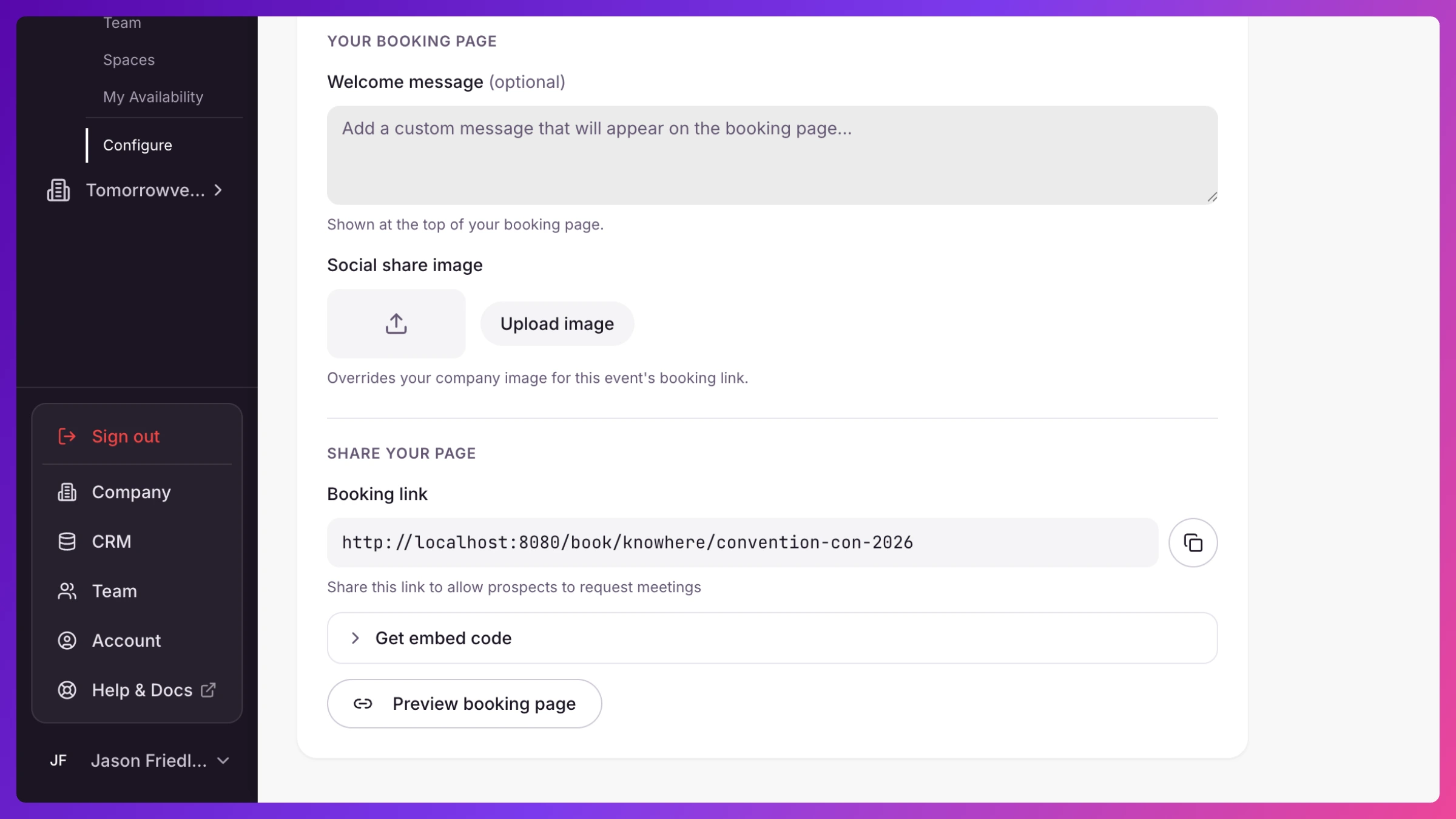
- Copy the Booking Link from the read-only field. Share it in outreach, email signatures, or anywhere prospects will see it.
- To put booking on your own website, copy the snippet under Embed on your website and paste it into your site’s HTML.
- Optionally add a Custom Message. It shows at the top of the booking page.
- Running demos? Turn on Demo stations (and, if you want, Auto-confirm demo bookings). See Set up a demo station.
- Click Preview Booking Page to see exactly what visitors get.
What’s next
Section titled “What’s next”Every request that comes in lands in the event’s Requests tab for you to approve. Each team member also gets a personal booking link, see Share your booking link. Full behavior is in Requests & public booking.