Know It All
The Know It All is Knowhere’s built-in AI event search and the fastest way in or out of anything in the product. Instead of clicking through screens, ask in plain English from the round blue button at the bottom right of every page (or press ⌘K). Short queries search and jump. Questions get answered, with links straight to the screen in question.
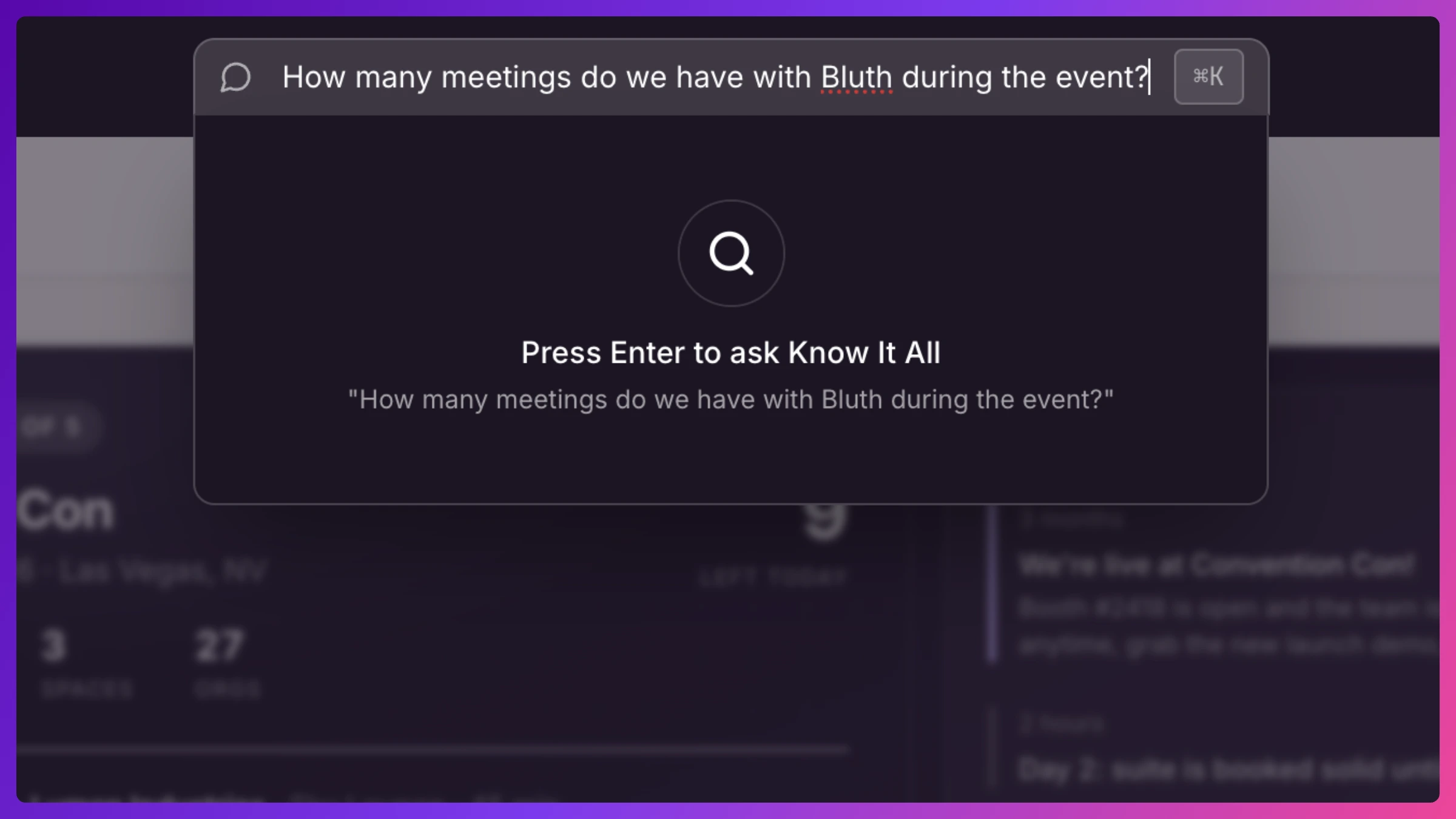
Who it’s for: everyone. Managers get company-wide answers. Team members get answers scoped to their own events, meetings, and accounts.
What it can do
Section titled “What it can do”Find anything. Free-text search across events, meetings (including agendas and notes), organizations, contacts, team members, Spaces, activity, and inbound requests. Every answer deep-links to the real record.
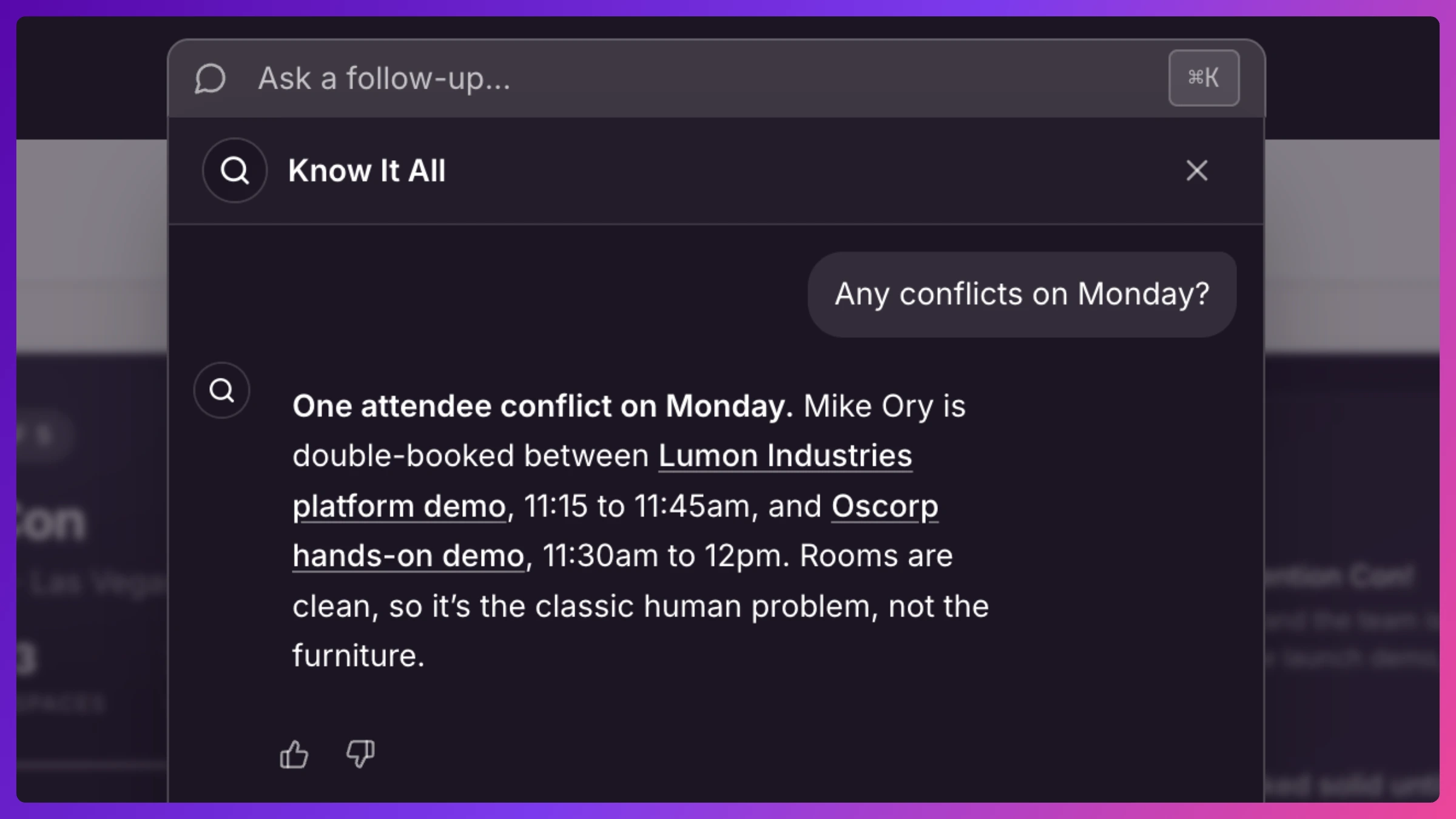
Answer schedule questions.
- “What’s on my agenda today?” / “What’s Sarah’s day two look like?”: personal and event agendas.
- “Any conflicts on Thursday?”: double-booked people and Spaces for a date.
- “When are we both free tomorrow for 30 minutes?”: open gaps of a given length.
- “Is there an open Space at 2pm?”: free Spaces in a time window.
- “Which meetings still have no notes?”: filter meetings by customer, Space, dates, or gaps like missing notes.
Answer account questions.
- “Which targets don’t have a meeting yet?”: target coverage, one team member at a time, worst-covered first (managers see the whole team, team members see their own book). During the event, coverage distinguishes booked (a meeting exists) from met (it actually happened).
- “What’s our history with Acme?”: the full relationship across events.
- “Brief me before the Acme meeting”: the account’s Brief, its relationship pulse, talking points, recent notes, who’s in the room, RSVP and check-in status.
Answer outcome questions. The Sales Inference layer is on tap too.
- “What did we promise Acme?”: the commitments extracted from your meeting notes, with owners, due dates, and what’s overdue.
- “Which meetings went sideways?”: the open flags, exec cancellations, no-shows, and downgrades, targets first.
- “How did the Acme meeting go?”: the meeting’s summary, substance grade, and its open follow-ups.
Help you use the app. Ask “how do I add a team member?” or “where do I set my availability?” and it answers with the actual route through the product.
It drafts, you book
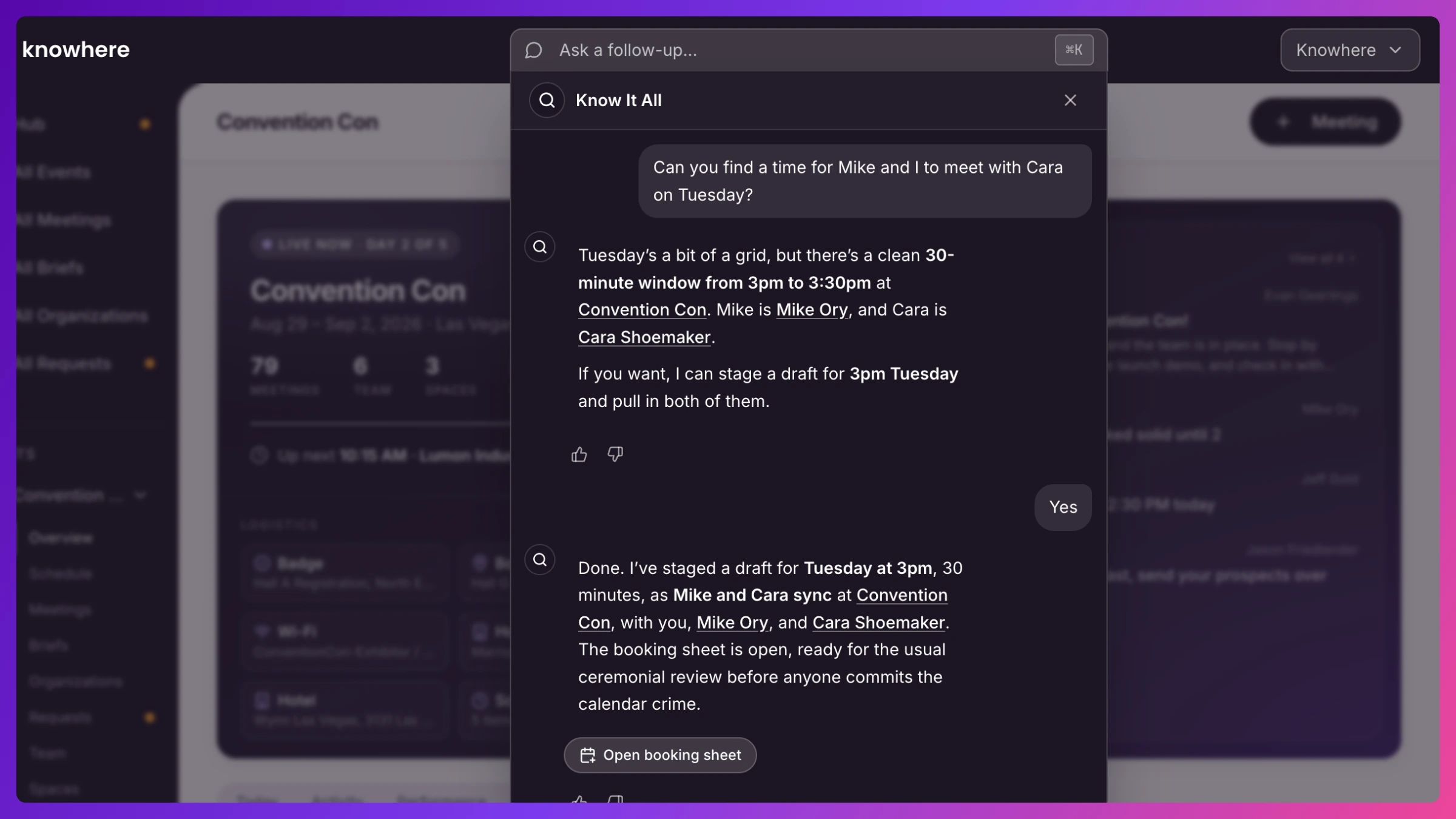
Section titled “It drafts, you book”The Know It All never writes to your data. When you ask it to set up or change a meeting (“book Acme with Sarah tomorrow at 10 in the demo Space”), it does the legwork (finds the contacts, checks free time, validates the room) and hands back an Open booking sheet button. That opens the normal meeting form, pre-filled and conflict-checked, and you review and save. You’re always the one who confirms.
Scope, plans, and limits
Section titled “Scope, plans, and limits”- Answers respect your role and your company’s data isolation. A team member can’t ask their way into another team member’s book or another company’s data.
- The Know It All is included from the Team plan. Asking across multiple events at once is coming soon.
- Fair-use rate limits apply to keep it fast for everyone. Heavy back-to-back querying may be asked to take a breath.
- Every answer has thumbs up/down. Feedback goes straight to making it better.
How to
Section titled “How to”Step-by-step, with the exact clicks: