How to enter event financials
Enter what the event cost and the revenue you credit to it, and Knowhere turns it into a running ROI scorecard. Manager task.
- Open Events from your profile menu, pick the event, and open its Settings, then go to Budget & revenue.
- On the Costs section, fill in the line items you want: Hard Costs, Booth Build, Travel, Meals, and Other Costs. Total Costs adds up automatically as you type. Click Save Changes.
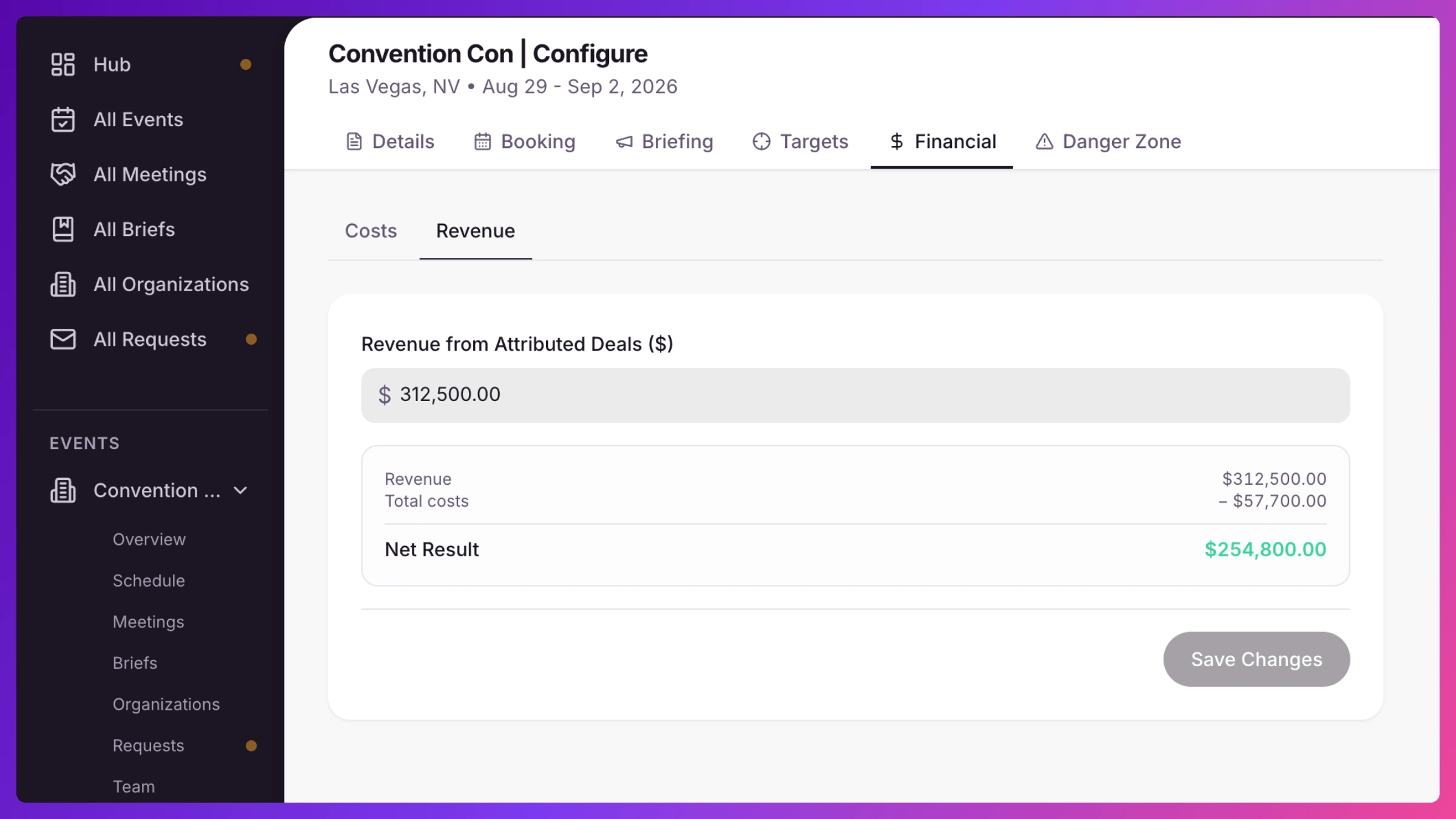
- Click the Revenue section and enter Revenue from Attributed Deals. A Net Result shows revenue minus total costs, in green when you’re up and red when you’re under. Click Save Changes.
What’s next
Section titled “What’s next”The event Overview turns those inputs into a scorecard, revenue, total cost, net, ROI as a multiple, a cost breakdown, and cost per meeting, account, and team member. Signals, with no show picked, rolls it up across every event. Full detail in Event financials & ROI.